AI Receptionist: How Voice Agents Answer Calls and Book Appointments 24/7
You’re under the hood of a parked truck when your phone rings. Again. By the time you wipe your hands and grab it, the caller’s gone — probably to the next shop on Google. If this sounds familiar, you’re not alone. Small businesses miss an estimated 62% of phone calls, and each missed call is a lost customer.
Hiring a full-time receptionist costs $35,000–$50,000 a year. Most businesses under $10 million can’t justify that. But what if you could have a 24/7 AI agent that answers every call, books appointments, answers common questions, and never takes a sick day — for a fraction of the cost?
What Is an AI Receptionist (and What It Isn’t)
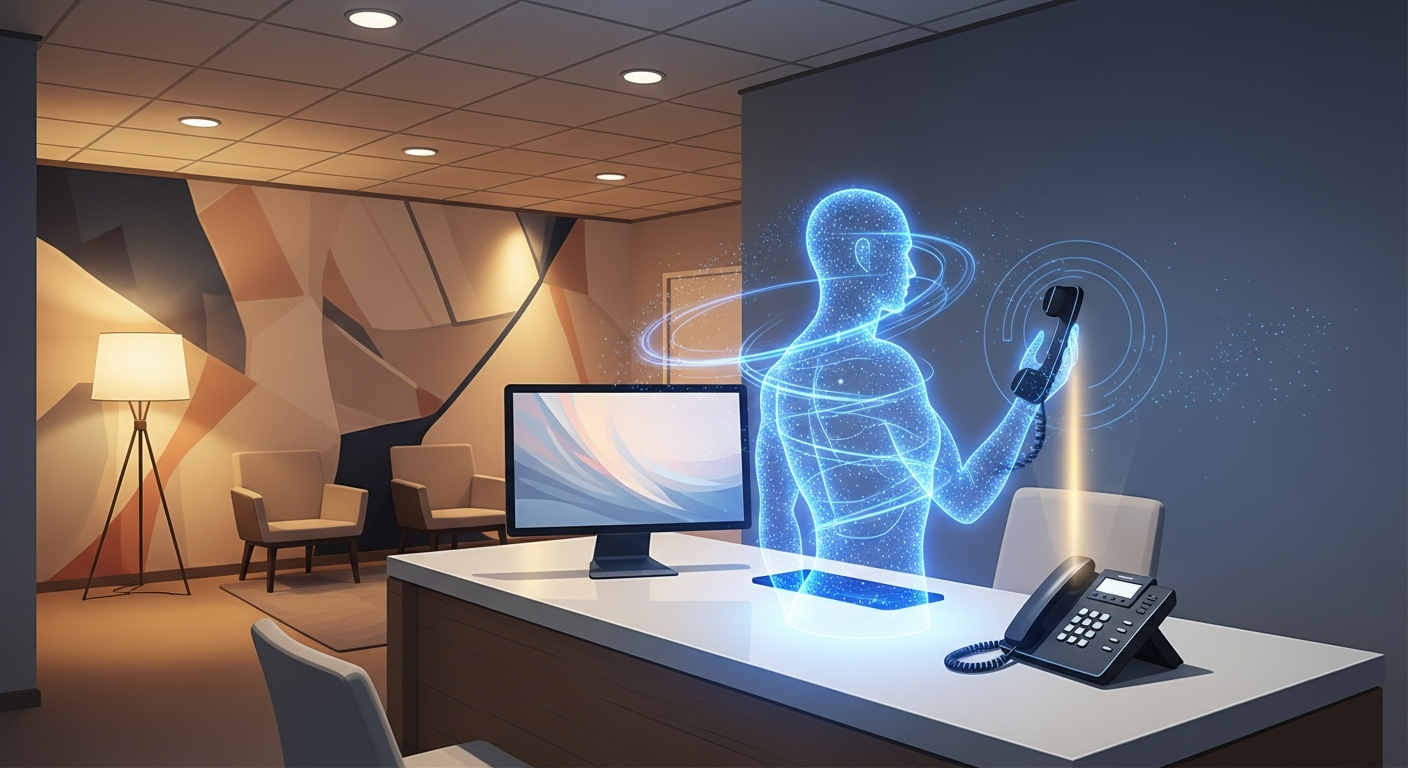
An AI receptionist — also called a voice agent or AI phone answering service — is a software system powered by natural language processing that handles inbound (and sometimes outbound) phone calls for your business. It speaks naturally, understands context, and can take actions like booking appointments, transferring calls, or logging messages.
It’s not one of those clunky “Press 1 for sales, Press 2 for support” systems from 2005. Modern voice AI agents carry real conversations. Callers often can’t tell they’re not talking to a person.
Why Small Businesses Need a Voice Agent Now
- 62% of calls to small businesses go unanswered — most callers won’t leave a voicemail and won’t call back.
- After-hours calls are lost revenue. If you close at 6 PM but someone finds you on Google at 9 PM, that lead vanishes without a way to engage.
- Hiring is expensive and unreliable. A receptionist salary, benefits, and training runs $35K–$50K+ per year, and turnover in admin roles is high.
- Missed calls = missed reviews. Every happy customer you can’t reach is one who won’t leave you a five-star review.
How an AI Receptionist Works in Practice
Here’s what a typical call flow looks like when an AI voice agent handles your phones:
1. The Call Comes In
Whether it’s 2 PM on a Tuesday or 10 PM on a Saturday, the AI picks up within one ring. It greets the caller by your business name: “Thank you for calling [Your Business]. How can I help you today?”
2. The Conversation Flows Naturally
The caller says they want to schedule a service. The AI asks the right follow-up questions — what type of service, preferred date and time, their name and contact info. It understands nuance, handles objections, and keeps the conversation moving.
3. The Appointment Gets Booked
Using your existing calendar and booking system (Google Calendar, Calendly, your CRM), the AI finds an open slot and books it — confirming details back to the caller. It can also send a confirmation text or email automatically.
4. The Lead Gets Logged
Every call gets transcribed, summarized, and logged into your CRM. If the caller asked a question the AI couldn’t answer, it flags it for you. No information falls through the cracks, and your follow-up automation kicks in where needed.
Which Businesses Benefit Most from AI Voice Agents
AI receptionists aren’t just for tech companies. They work especially well for owner-operated service businesses where every call is revenue:
- Dental and medical clinics — Appointment scheduling, insurance questions, office hours
- HVAC, plumbing, and electrical — Emergency dispatch, service scheduling, price inquiries
- Salons and spas — Booking, cancellations, service menus
- Auto repair shops — Estimate requests, appointment scheduling, status updates
- Real estate agencies — Property inquiries, showing scheduling, lead capture
- Law firms and accounting offices — Intake screening, consultation scheduling
Basically, if your business relies on phone calls to generate revenue and you can’t always answer, an AI voice agent is a no-brainer.
Implementation: Getting an AI Receptionist Set Up
Step 1: Choose Your Platform
There are a growing number of voice AI platforms — from DIY tools like Vapi and Bland AI to fully managed solutions like SquidBot’s built-in voice agent. The key difference: managed solutions handle setup, training, and optimization for you. DIY tools require technical configuration and ongoing tuning.
Step 2: Train It on Your Business
Your AI receptionist is only as good as the information it’s trained on. You’ll need to provide:
- Business hours and location details
- Services offered with descriptions and pricing
- FAQs and common objections
- Booking procedures and calendar integration
- Brand voice guidelines (formal, friendly, casual?)
Step 3: Connect Your Phone System
Most voice AI platforms work by forwarding your existing business number or porting it to a VoIP provider that integrates with the AI. You don’t need new hardware — it works with the phone number you already have.
Step 4: Test and Optimize
Run test calls for the first week. Listen to transcripts, identify where the AI stumbled, and refine its knowledge base. The best voice agents get smarter over time — they learn from every call and get better at handling edge cases.
Common Mistakes When Setting Up an AI Receptionist
- Trying to make it sound robotic-perfect. The best AI receptionists have personality. They’re warm, they’re helpful, and they don’t sound like they’re reading a script. Give yours some character.
- Not training it enough. If you give it a one-page FAQ, it’ll fumble on anything outside that page. Invest time upfront in training and it pays for itself in weeks.
- Blocking human escalation. Always give callers the option to reach a real person. The AI should handle 80% of calls; the other 20% should route to you smoothly.
- Forgetting after-hours. The whole point is coverage when you can’t answer. Make sure your AI is set to handle calls outside business hours, not just during the day.
- Not integrating with your CRM. If the AI books an appointment but doesn’t log the lead, you’re creating double work. Connect it to your CRM from day one.
What This Looks Like with SquidBot
SquidBot includes a built-in AI voice agent that’s trained specifically on your business. During onboarding, SquidCircle records a session to dial in your services, booking process, FAQs, brand voice, and escalation rules. The voice agent then runs as part of your connected AI agent system — answering calls, booking appointments, logging leads into your CRM, and triggering follow-up sequences automatically.
Unlike standalone voice tools, SquidBot’s receptionist is connected to the rest of your business operations. When it books an appointment, your scheduling agent confirms it. When it captures a lead, your follow-up agent nurtures it. When a job is completed, your review agent requests feedback. Everything is connected.
Sources
- Salesforce Connected Shoppers Report — Consumer expectations around response times and multi-channel engagement
- CallRail State of Conversation Intelligence Report — Data on call answer rates and their impact on small business revenue
- Gartner: 70% of Customer Service Leaders Plan to Integrate Generative AI
Frequently Asked Questions
How much does an AI receptionist cost?
DIY voice AI platforms typically charge per-minute of call time, ranging from $0.05 to $0.25 per minute. Fully managed solutions like SquidBot include it as part of a monthly membership. Either way, it’s a fraction of the $35K–$50K annual cost of a human receptionist.
Will callers know they’re talking to an AI?
Modern voice AI is remarkably natural. Most callers won’t realize they’re speaking with an AI unless told. However, best practice is transparency — let callers know they’re interacting with an automated assistant and offer the option to reach a human at any time.
Can an AI receptionist handle complex questions?
AI voice agents handle routine inquiries — scheduling, pricing, hours, service descriptions — extremely well. For complex or unusual questions, they should escalate to a human. Think of them as handling 80% of calls so you only deal with the 20% that actually need your expertise.
Do I need to change my phone number?
No. Most AI receptionist services work by call forwarding from your existing number or integrating with your VoIP provider. Your customers still call the same number they’ve always used.
How long does setup take?
With a managed solution like SquidBot, you can be live within a few days of onboarding. DIY platforms can take 2–4 weeks of configuration, testing, and refinement. The biggest time investment is training the AI on your specific business information.
Stop Missing Calls. Start Booking More Jobs.
Every missed call is a customer who went somewhere else. An AI receptionist makes sure that stops happening — without the cost of a full-time hire. If your business depends on the phone ringing (and it does), it’s time to make sure every single call gets answered.
Ready to set up a 24/7 AI receptionist for your business? SquidCircle builds and manages AI voice agents trained on your business — answering calls, booking appointments, and capturing leads around the clock. No vendor lock-in, no long-term contracts. Learn more and get started.
Related Resources
- AI Receptionist Cost vs ROI: What Small Businesses Actually Pay in 2026
- AI Appointment Booking Assistant: Never Lose Another Client to Voicemail
- AI Follow-Up Automation: Stop Losing Leads Because Nobody Replied