The Context Window Wall: Why Local AI Agents Need Cloud-Hybrid Auto-Compaction
The promise of local AI is intoxicating for small business operators. Imagine running a fleet of autonomous, domain-expert AI agents that answer client emails, score leads, manage your calendar, and clean up your CRM — all running locally on your own hardware, with zero recurring token fees, absolute data privacy, and 100% immunity to cloud API outages. For owner-operated businesses, deploying Apple Silicon Mac minis as on-premises AI servers seems like the ultimate tech milestone.
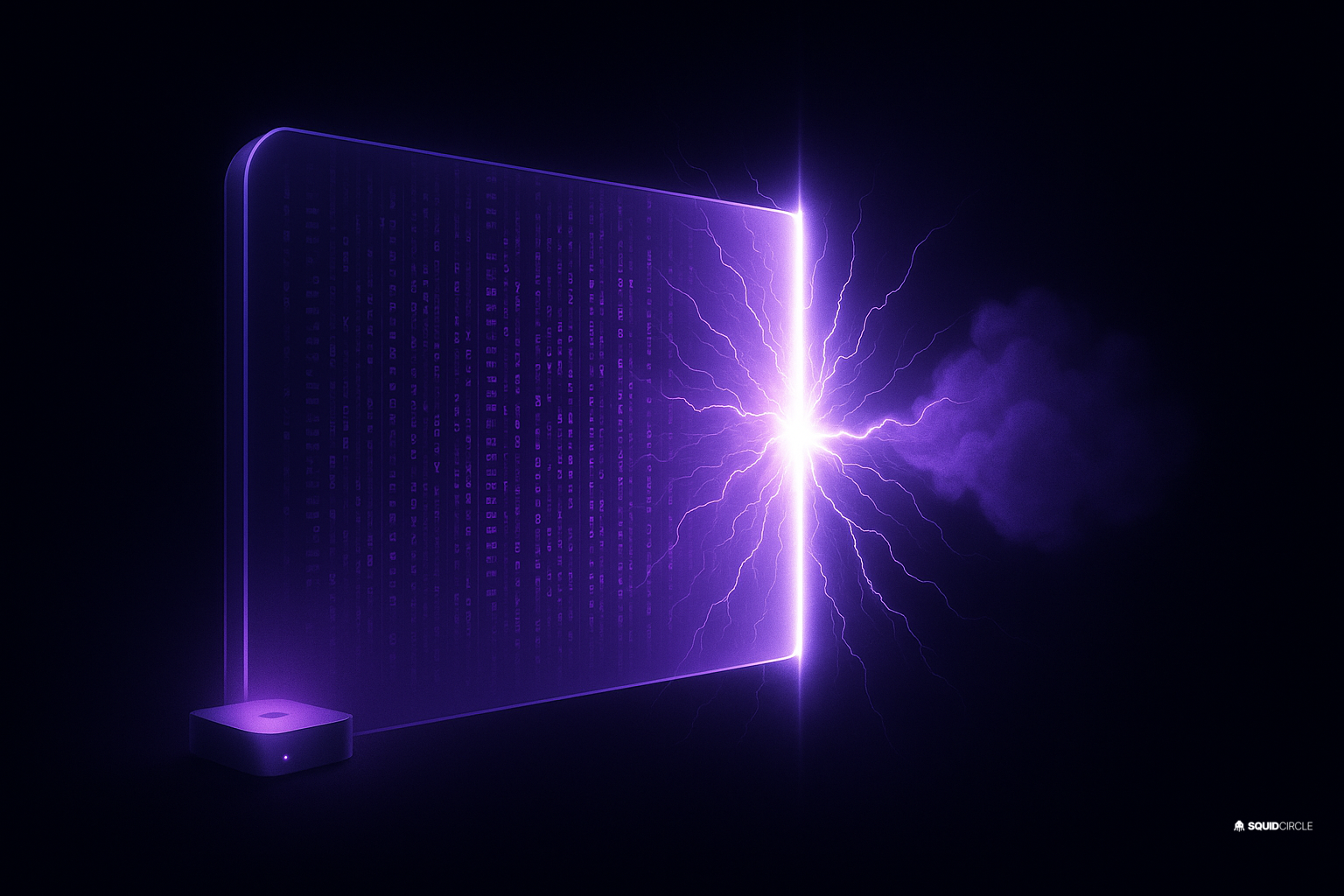
But last Friday, during a live testing session of our brand-new local model integration, we ran headfirst into the brutal reality of local AI engineering: The Context Window Wall.
We were putting a highly advanced, 9-billion parameter local model (specifically Ornith-9B) through its paces. Everything started beautifully. The local agent was responding with impressive intelligence, parsing complex CRM tasks with ease. But as the conversation grew longer, the system suddenly slowed to a crawl, entered an infinite loop, and eventually crashed the user session with a fatal error: Context is too large.
In this article, we will unpack the exact technical autopsy of this crash, explain the mathematical incompatibility of running heavy multi-agent frameworks purely on local hardware, and share the step-by-step blueprint of the elegant solution we engineered to fix it: Cloud-Hybrid Auto-Compaction. By offloading heavy background summarization to the cloud while keeping core execution local, you can build local AI setups that are completely unbreakable.
The Context Window Mirage: 32K Tokens is Smaller Than You Think
To understand why local AI agents crash, we first have to look at how modern AI agents are built. An AI agent is not a simple chatbot; it is a complex operating loop. When an agent wakes up, it does not just receive the user’s latest message. It is injected with a massive payload of background context:
- Static System Prompts: Detailed instructions on brand voice, behavioral guardrails, and role descriptions (~5,000 to 10,000 tokens).
- Workspace Knowledge: Static files loaded from the local workspace, including standard operating procedures (SOPs), customer CRM logs, and business databases (~15,000 to 20,000 tokens).
- Session History: Every message back and forth between the user and the agent, plus the internal reasoning steps the agent took.
At SquidCircle, our standard workspace injection payload alone is around 25KB of structured text. When you add in a couple of turns of conversation, the active session is already sitting at 30,000 tokens before the agent even writes its first word of response.
While cloud models like Google Gemini feature massive 1-million or 2-million token windows, most open-weights local models (like Qwen 3 8B, Llama 3 8B, or Ornith 9B) are mathematically capped at 32,768 tokens (32K). When your active workspace payload is 31K, you have less than 1,000 tokens left for actual conversation. You are operating on a razor’s edge. The moment the agent tries to reason or call a tool, it hits the context wall and crashes.
This is a classic symptom of modern AI deployment issues. If you want to learn how to choose the right models for specific business tasks without overcomplicating your tech stack, check out our guide on How to Find the Best AI Model for the Job.
The Memory Leak: Why Local Models Can’t Clean Their Own Room
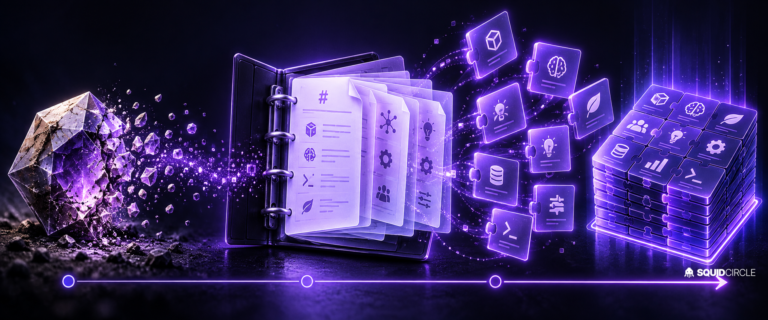
To prevent an agent from hitting its context limit and crashing, sophisticated agent frameworks use a process called compaction. When the active context gets near the model’s limit (e.g., reaching 25,000 tokens on a 32K limit), the framework triggers a background routine. It takes the older messages in the chat history, sends them to the model with a instruction like “Summarize this conversation while preserving all key business decisions, client names, and unresolved tasks,” and replaces the raw history with the compact summary.
This is standard practice. But here is the catch: summarization is an intensive reasoning task.
During our client test on Friday, when the local session grew to 75,000 tokens, the local framework tried to run this compaction routine using the local 9B model itself. Because the local Ollama service was already running low on unified memory, the heavy compaction call caused Ollama to crash entirely, returning a ECONNREFUSED network error.
The compaction failed, the session context remained bloated, and the next incoming message pushed the system over the edge. The agent was trapped in an infinite loop: it needed to compact to free up space, but it couldn’t run compaction because it didn’t have enough space to process the compaction prompt. It was a snake eating its own tail. We recently explored this phenomenon of software bloat and tool mismanagement in our analysis of AI Stack Fatigue and why unoptimized tools cost more than they save.
The Breakthrough: Offloading to a Cloud-Hybrid Architecture
Once we diagnosed the root cause, we realized that forcing a local, offline model to handle its own memory compaction is a design flaw. Local models are exceptional at lightweight, offline execution (like parsing an inbound webhook, translating a document, or matching data fields). But heavy reasoning tasks with massive context requirements should be handled by models designed for scale.
We engineered a permanent, elegant fix by introducing a Cloud-Hybrid Compaction Pipeline. Here is the architectural shift we deployed:
- Local Agent Execution: The agent continues to run locally on the client’s Mac mini via Ollama. It accesses local files, interacts with the local database, and remains completely private and secure.
- Cloud-Hybrid Compaction: We edited our global configurations to route the background compaction and summarization routines to a cloud model — specifically Google Gemini-3.5-Flash.
Because Gemini-3.5-Flash is fast, highly stable, and has a massive 1-million token context window, it can ingest the entire 75K session history, compress it into a brilliant, dense 2K summary, and hand it back to the local agent in under two seconds. The heavy memory load is offloaded to Google’s infrastructure, leaving the local Mac mini’s unified memory completely unburdened and ready to process local tasks with lightning speed.
The result is a hybrid setup that is completely unbreakable. If the cloud is online, compaction runs flawlessly. If the cloud goes offline, the agent can fall back to local models for basic execution. To see how we set up local model fallback chains for emergency redundancy, read our walkthrough on How We Set Up a Local Fallback to Save a Client Emergency.
The Technical Blueprint: Setting Up Hybrid Compaction
If you are building your own local AI agent setups and want to insulate them from context overflow crashes, here is the exact engineering blueprint we implemented to secure our client’s environment:
1. Keep Local Models Lightweight
Do not try to run oversized, memory-heavy models (like 14B or 32B models) on standard office computers if your agent framework carries large system prompt overhead. We uninstalled the bloated 9B test model, reclaiming 6.7GB of unified memory and disk space, and restored qwen3:8b as our primary local fallback. It is fast, highly optimized, and runs beautifully on standard consumer M-series chips.
2. Configure Ollama for Persistence
To avoid latency delays where the local model has to reload into RAM after inactivity, configure the keep-alive window in your service plist or environment variables. This keeps the model loaded and ready to respond instantly:
OLLAMA_KEEP_ALIVE=30m3. Direct Compaction to a Stable Cloud Model
In your agent’s central configuration file (such as openclaw.json), map the background auto-compaction and summarization tools to use your stable cloud profile. Here is an example of what that configuration looks like:
{
  "compaction": {
    "enabled": true,
    "model": "google/gemini-3.5-flash",
    "reserveTokensFloor": 8000,
    "keepRecentTokens": 12000,
    "truncateAfterCompaction": true
  }
}
By raising the reserveTokensFloor to 8,000, we ensure that compaction triggers early, well before the local model’s 32K context wall is breached. Setting keepRecentTokens to 12,000 ensures that the most recent conversational turns survive compaction intact, maintaining thread continuity.
The Ultimate Lesson: Hybrid is the Future of SMB AI
The “Local vs. Cloud” debate in AI is a false dichotomy. The future of AI for owner-operated businesses is not purely offline, nor is it purely cloud-dependent. It is hybrid.
By using cloud-hybrid architectures, you get the absolute best of both worlds:
- Cloud Intelligence: Infinite context windows, complex reasoning, and bulletproof summarization when you need to crunch massive datasets.
- Local Security: Complete data privacy, offline availability, zero token cost for routine tasks, and absolute ownership of your AI infrastructure.
As small businesses continue to adopt AI agents to run core business functions, those who build with redundancy and hybrid flexibility will scale effortlessly. Those who rely on a single API or try to force low-spec local hardware to do heavy cloud-scale lifting will spend their afternoons troubleshooting crashes.
Frequently Asked Questions (FAQ)
What is a context window, and why is it a bottleneck for local models?
The context window is the total amount of text (both input prompts and output responses) that an AI model can process at a single moment. While cloud models can handle hundreds of thousands of tokens, local models are usually limited to 32,000 tokens. Since agent frameworks inject massive system instructions and local business SOP files on every turn, local models can quickly run out of memory space and crash.
Why can’t local models run their own compaction?
Summarizing thousands of lines of chat history is a heavy reasoning task that requires digesting massive amounts of text. Running this on the same local model that is already struggling with memory constraints often overloads the local server, causing Ollama to crash and leaving the agent stuck in a context-overflow loop.
Is Google Gemini-3.5-Flash expensive to use for hybrid compaction?
Not at all. Gemini-3.5-Flash is one of the most cost-effective and highly optimized models on the planet. Because summarization is a quick, structured background task, running compaction on Gemini costs fractions of a cent per session, making it an incredibly affordable way to secure your local agent fleet.
What hardware is recommended for running local fallback agents?
An Apple Silicon Mac (M1, M2, M3, or M4) with at least 16GB of unified memory is the absolute gold standard for local AI. It is highly energy-efficient, silent, and features incredibly fast unified memory that allows small-scale models like Qwen 3 8B to generate text at lightning speeds.
Looking to build a bulletproof, crash-resistant AI operation for your business? Discover SquidBot — the multi-agent AI framework designed with hybrid cloud-local flexibility, automatic background memory compaction, and built-in offline failovers. Or join the SquidCircle community today to start building alongside expert AI operators.