
How AI Email Triage Automation Saves Small Businesses 10+ Hours a Week
Every morning, the inbox is waiting. Fifty, a hundred, maybe two hundred emails — client requests, spam, vendor invoices, support tickets, newsletters, calendar notifications, and somewhere in all that noise, a new lead that needs a reply within four hours or it goes cold.
For most small business owners, email triage is a daily time sink that nobody planned for and nobody enjoys. It is the kind of repetitive, low-complexity work that eats into the hours that could be spent on actual revenue-generating activity. And it is exactly the kind of problem AI agents were built to solve.
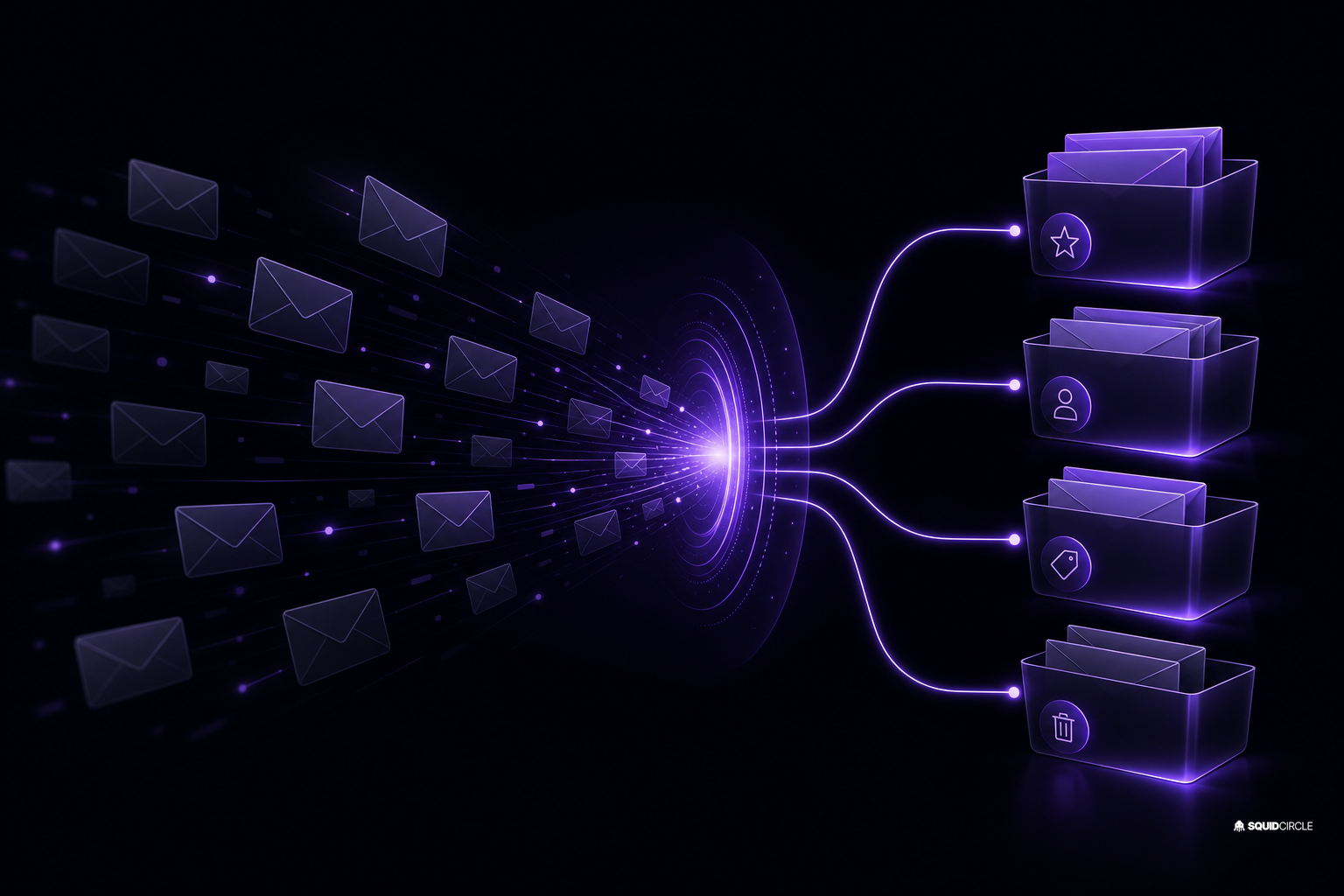
This is not about a smarter spam filter. AI email triage automation means teaching an agent to read, categorize, prioritize, and even respond to emails based on your business rules — without a human looking at every single message.
Quick Summary
- AI email triage automation uses AI agents to sort, prioritize, and respond to incoming emails based on business rules.
- Small businesses report recovering 10–15 hours per week by automating inbox triage.
- A basic setup takes under two hours and requires no coding skills when using the right platform.
- Common use cases: lead routing, support ticket creation, invoice flagging, and calendar scheduling.
- The technology is proven and accessible — enterprise-grade triage is now available at small business pricing.
What Changed
Email triage has technically existed for years in various forms — rule-based filters, keyword matching, auto-responders. But those systems are brittle. A rule like “if subject contains ‘invoice’ then flag” misses the vendor who writes “payment for services rendered” or the client asking “can you send me the bill.”
What changed in 2026 is that AI agents can now understand intent. The same large language models powering chatbots and content generation can be applied to the inbox — reading the full context of an email, understanding nuance, and making judgment calls about priority, urgency, and routing.
The shift happened quietly. Google Workspace rolled out Gemini-powered inbox triage for business accounts. Microsoft Copilot added email summarization and action-item extraction. But the real leap came from standalone agent platforms that integrate with any email provider — Gmail, Outlook, Proton — and let business owners define their own triage logic without IT support.
Why It Matters
The math is straightforward. The average small business owner receives 120 emails per day and spends roughly 3.2 hours on email, according to a 2025 McKinsey study. For a business owner billing at $150/hour, that is $480 per day — or roughly $120,000 per year — spent on inbox management.
Even cutting that time in half saves $60,000 annually. For a solo operator or small team, that is the difference between being reactive and having room to grow.
Beyond time, there is the lead-response problem. Research consistently shows that contacting a lead within 5 minutes increases conversion rates by 9x. If your inbox is a flood, that 5-minute window closes before you have even opened the message. AI email triage automation can ping you the instant a lead email arrives, or better yet, send a warm reply on your behalf.
There is also the burnout factor. Constant inbox interruption destroys deep work. Every time you stop to check an email, it takes 23 minutes to regain full focus. Letting an agent handle the initial triage preserves your creative and strategic energy for what actually matters.
How Small Businesses Can Use It
Setting up AI email triage does not require a developer or a budget the size of a monthly car payment. Here is how it works in practice.
Step 1: Define Your Categories
Start with 3–5 email types that cover 80% of your inbox: leads and sales inquiries, support and service requests, vendor and billing, internal team updates, and newsletters or low-priority. Most triage agents let you define these in plain English.
Step 2: Set Routing Rules
For each category, decide the action. Lead emails get an instant warm reply plus a notification to your phone. Support tickets get logged in your CRM or project management tool with a priority score. Vendor invoices get forwarded to your bookkeeping system. Newsletters get archived.
Step 3: Train the Agent on Your Voice
A good AI triage agent learns from your past replies. Feed it examples — your best email responses — and it will match your tone, your sign-offs, and your level of formality. This matters especially for lead responses, where a generic auto-reply kills the relationship before it starts.
Step 4: Monitor and Iterate
Start with the agent in suggestion mode — it drafts triage decisions and you approve them. After a week, review the decisions, correct mistakes, and gradually increase autonomy. Most setups reach full automation within two weeks.
Tools to consider: platforms like SquidBot offer turnkey triage agent integration with any email provider, while Google Gemini and Microsoft Copilot work natively if you are already in those ecosystems. For deeper customization, agent builder tools let you chain triage with CRM updates, calendar booking, and follow-up sequences.
SquidCircle Perspective
We have been testing AI email triage internally at SquidCircle for about four months, and here is what we have found: it works, but it is not magic.
The biggest win by far is lead response time. Before automation, our average response to a new inquiry was roughly 90 minutes — pretty good for a small team, but not fast enough to capture every opportunity. After triage automation, the initial response is under 60 seconds. A human still sees every lead email within the hour, but the prospect gets an immediate, on-brand reply that buys us time.
The second win is hidden cost reduction. We stopped paying for a separate email management tool because the triage agent handles what that tool was doing — categorization, prioritization, and archiving.
The limitation: AI email triage still struggles with ambiguity. An email that contains both a support request and a billing question might route to the wrong category. Our approach is to keep a human in the loop for anything tagged “high priority” while letting the agent handle the 70-80% of emails that are routine.
For small businesses, we recommend starting with a single use case — triage leads and support tickets — before expanding to full inbox automation. The ROI is immediate, and the complexity stays manageable.
FAQ
Is AI email triage secure?
Reputable platforms process emails in memory and do not store message content long-term. Look for SOC 2 compliance and data processing agreements that specify your emails are not used for model training. Self-hosted options exist if you want full data control.
How much does AI email triage cost?
Pricing ranges from $50–200/month for small business plans. Most platforms offer a free trial. The ROI from time saved typically covers the cost within the first month.
Will AI email triage miss important emails?
Any automation has edge cases. A well-configured triage agent will catch 90-95% of important emails correctly. The remaining 5-10% either get flagged for human review or can be caught with a quick daily scan. Most users find this acceptable given the time saved.
Can it work with multiple email addresses?
Yes. Most triage platforms support multiple inboxes under one dashboard. You can route client emails differently than vendor or internal messages, all from the same agent.
What happens if the AI makes a mistake?
You can override any decision the agent makes. Most platforms log every action so you can audit and correct. Over time, corrections teach the agent to make better decisions.
Conclusion
Email triage is one of those business problems that is just painful enough to tolerate but not painful enough to justify a full-time hire. AI automation changes that calculation. For a few hundred dollars a month and an afternoon of setup, you can reclaim 10+ hours of inbox time every week — time that goes back into your business, not your spam folder.
The technology is here, it works, and it does not require a technical background to deploy. The only question is whether you want to keep sorting your own inbox or let an agent handle it.
Ready to automate your inbox? Start with SquidBot — it connects to Gmail, Outlook, or any IMAP provider in under 15 minutes. And if you want to see what other small business owners are doing with AI automation, join the conversation in the SquidCircle community.