GPT-5.5 Retires From ChatGPT Today: SMB Guide
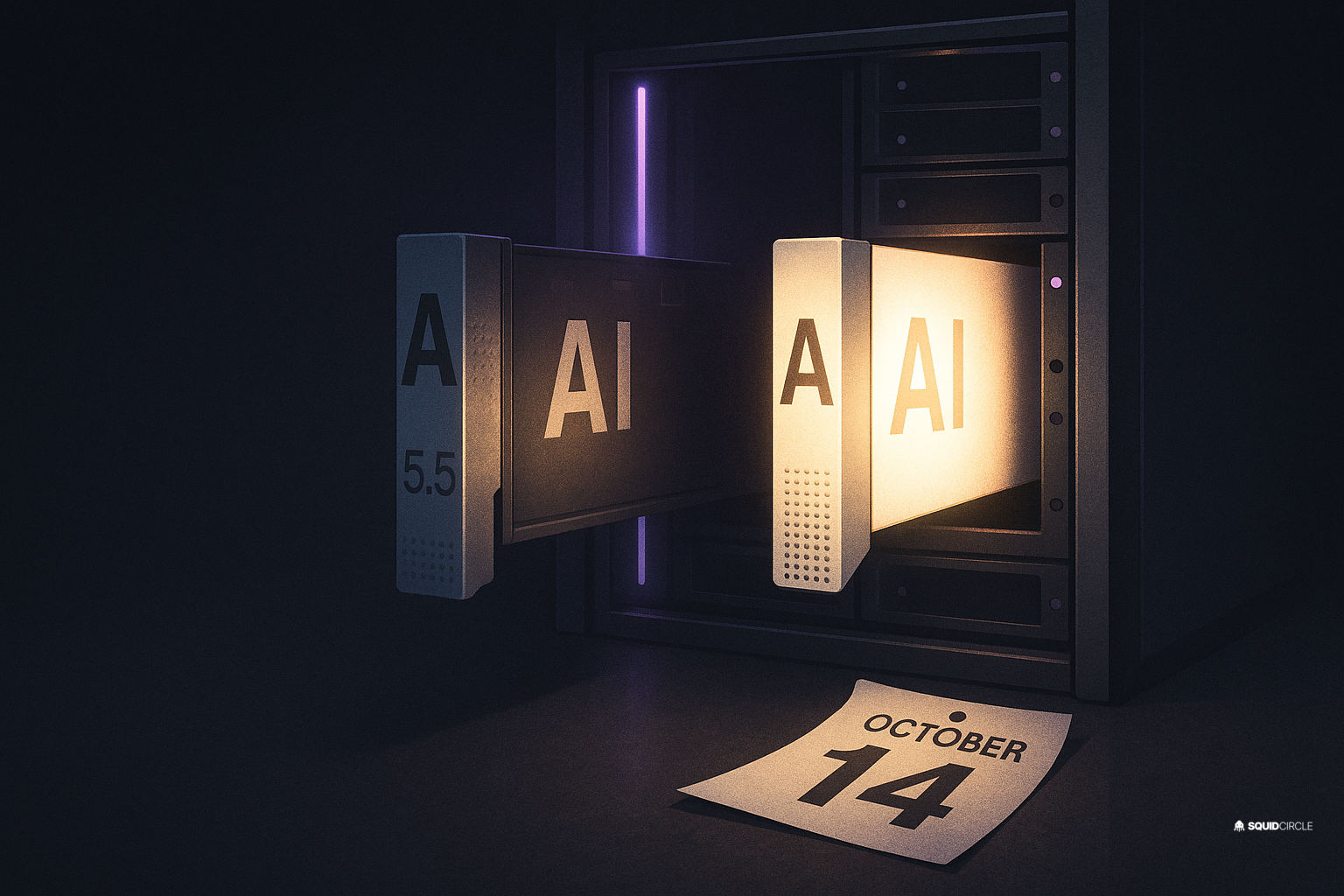
Today is the day. On October 14, OpenAI retires GPT-5.5 from ChatGPT, ChatGPT Work, and Codex — on every plan, including consumer, Business, Enterprise, and Edu. If your team has model settings, custom agents, scheduled tasks, or scripts pinned to GPT-5.5, they stop working the way you configured them today.
There’s an important carve-out: the OpenAI API is not affected. If you authenticate with an API key instead of a ChatGPT login, your GPT-5.5 calls keep running. OpenAI hasn’t announced an API deprecation date, and its policy includes a six-month window between announcement and cutoff. But for the huge number of small businesses using ChatGPT Work or Codex with a ChatGPT sign-in, this morning is a migration morning.
We ran our own audit first — that’s the rule we follow before writing anything. It took about twenty minutes across our agent configs, and it caught two scheduled tasks still pinned to the old model. Here’s the checklist we used, adapted for a small business.
What actually breaks today
GPT-5.5 doesn’t disappear in a puff of smoke. What happens is quieter and more annoying: saved model selections silently fall back to a default model, custom agents and scheduled tasks re-run on different behavior than you tested, and Codex workflows pinned to gpt-5.5 get migrated whether you like it or not. The failure mode isn’t “error message” — it’s “works, but differently.” That’s the dangerous kind.
OpenAI’s guidance is explicit for Codex users: replace gpt-5.5 with gpt-5.6-sol in workspace defaults, saved model settings, managed configurations, custom agents, and scheduled tasks. GPT-6 Astra is the other sanctioned destination if you need more horsepower.
The twenty-minute migration checklist
- Inventory your pins. Search your tools for the string “gpt-5.5” — saved model settings, custom GPTs, scheduled tasks, Codex configs, any scripts or CI jobs that hardcode the model name. Yesterday’s post on migrating retired Custom GPTs covers the same sweep; the muscle is identical.
- Swap the model, then re-test. Don’t just change the setting and walk away. Run your three most important workflows end-to-end on
gpt-5.6-sol. Output style, tone, and format drift are real when models change under a prompt you tuned months ago. - Check your automations’ outputs this week. Scheduled tasks that generate reports, drafts, or emails are the ones that fail politely. Spot-check what they produce for the next few days.
- Decide whether the API route is worth it. If GPT-5.5’s behavior is genuinely load-bearing for you, the API still serves it — but that means paying per token instead of per seat. For most SMBs, migrating beats clinging.
- Write the date down. GPT-5.5 shipped April 23 and retires October 14 — a 174-day lifecycle in ChatGPT products. Your next pinned model will get the same treatment. Build the assumption in.
Why this keeps happening to small businesses
This is OpenAI’s third model purge in four months: GPT-5.4 and 5.4-mini left Codex in August, GPT-4.5 left ChatGPT in June, and Custom GPTs get the axe December 11. The platforms call it progress. For a five-person shop whose assistant was tuned on a model with a six-month shelf life, it feels like churn by design.
The vendors’ incentives are aligned with their roadmaps, not your workflows. That’s not cynicism — it’s just what the release notes say when you read twelve months of them in a row. The same week, Claude’s budget tiers like Haiku 5.5 show the other side of the coin: model swaps can cut your costs dramatically if you’re set up to swap cleanly.
The durable fix: stop pinning, start pinning less
The businesses that weather these retirements without drama share one habit: model names live in exactly one config location, not sprinkled through scripts and UI settings. When a retirement notice lands, they change one line and re-test. Everyone else spends a week discovering what quietly broke.
If you take one thing from today: treat every pinned model name as a liability with an expiry date. Centralize it, document it, and schedule your own quarterly model audit before the vendors schedule it for you.
We handle exactly this for small businesses — supervised AI setups with clean model configs, migration testing, and monitoring that catches drift before your customers do. See how at squidcircle.com/squidbot.