AI Follow-Up Automation: Stop Losing Leads Because Nobody Replied
You already know the problem. A lead fills out your form, calls your business, or responds to an ad — and then nothing happens. Your team gets busy, the lead goes cold, and you never hear from them again. That’s not a marketing problem. It’s a follow-up problem.
The Real Cost of Slow Follow-Ups
Research consistently shows that responding within the first five minutes makes a lead 21 times more likely to convert. But most small businesses take hours — or days — to follow up. Not because they don’t care, but because they’re busy running the business.
Here’s what that looks like in real numbers for a typical service business doing $2M in annual revenue:
- You receive roughly 200 inbound leads per month
- Your team only follows up with 60% of them within 24 hours
- Of those missed leads, an estimated 30% would have booked if contacted promptly
- That’s 24 lost bookings per month — potentially $50,000+ in monthly revenue walking out the door
What AI Follow-Up Automation Actually Does
AI follow-up automation isn’t about blasting generic emails. It’s about having an intelligent system that responds to every lead instantly, qualifies them, and keeps them engaged until your team is ready to talk.
A proper AI follow-up system handles the entire early-stage pipeline:
- Instant acknowledgment: The moment a lead fills out a form, sends an email, or calls, the AI responds — day or night, weekday or weekend
- Qualification questions: The AI asks relevant questions (service type, timeline, budget range) so your team knows exactly who they’re calling back
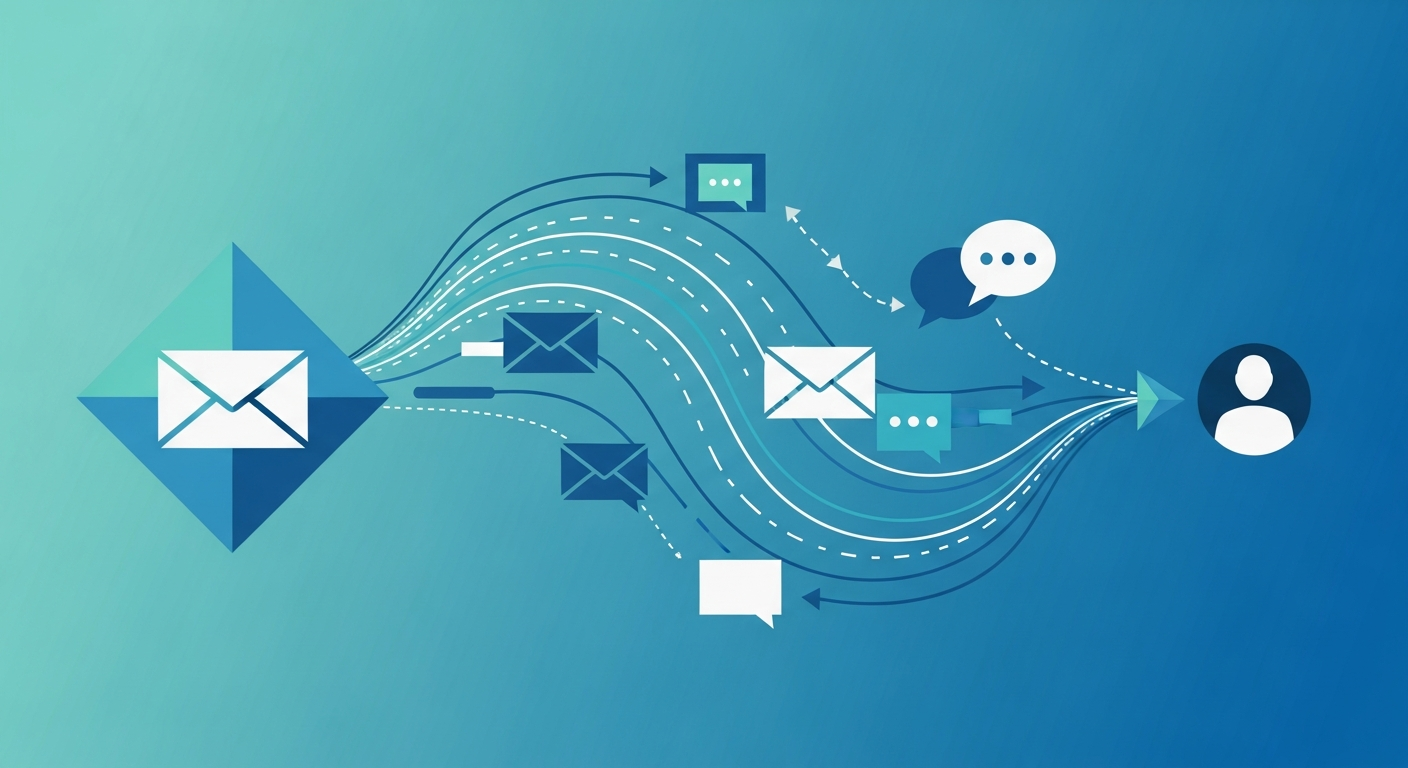
- Multi-channel follow-up: Email, text, and even voicemail drops on a scheduled cadence that feels natural, not spammy
- Smart escalation: When a lead shows high intent (replies, clicks a link, asks to book), the AI alerts your team immediately
- Nurture sequences: Leads who aren’t ready yet stay in a warm drip campaign so you stay top of mind
A Real Workflow Example
Let’s say you run a dental practice. Here’s how AI follow-up automation works in practice:
- A new patient submits an appointment request at 9 PM on a Saturday. Within 30 seconds, they get a personalized text: “Hi Sarah, thanks for reaching out to Bright Smile Dental! I’ve got your request. Are you looking for a routine cleaning or something specific?”
- Sarah replies: “I have a toothache, need something soon.” The AI flags this as urgent, replies with available slots, and sends your office manager a notification to prioritize this callback Monday morning.
- Monday at 8 AM, your office manager sees Sarah’s full conversation history — what she needs, her urgency level, and the times she mentioned she’s available. One call, and she’s booked.
- If Sarah hadn’t replied to the text, the AI would have followed up with an email Tuesday and a second text Thursday — each one slightly different, each one helpful rather than pushy.
How to Implement AI Follow-Up in Your Business
- Audit your current follow-up process. Track how long it takes your team to respond to new leads today. Count how many leads fall through the cracks each month.
- Define your qualification criteria. What information do you need before a conversation becomes a booked appointment? Service type, timeline, location, budget — write it down.
- Set up your AI follow-up sequences. Map out the first response, qualification questions, and escalation rules. Most businesses need 3-5 touch points over 7-14 days.
- Connect your lead sources. Your AI should respond to form submissions, phone calls, emails, and chat messages — wherever leads come from.
- Test and refine. Run the system for two weeks, then review. Which messages get the highest reply rates? Where do leads drop off? Adjust accordingly.
Common Mistakes to Avoid
- Sounding like a robot. Your AI follow-ups should match your brand voice. If your business is casual and friendly, the messages should be too. If you’re more formal, keep it professional.
- Following up too aggressively. Three messages in one day is spam. Space your follow-ups out — day 1, day 3, day 7, day 14 is a proven cadence.
- Not having an escalation path. If a lead says “I want to book now,” your AI should immediately route them to a human — not send another automated message.
- Ignoring the data. Track response rates, booking rates, and revenue per lead. If your follow-up sequence isn’t converting, change it.
- Trying to automate everything. AI handles the initial follow-up and qualification. Your team handles the relationship and closing. Don’t replace the personal touch — just remove the delay.
Why This Matters Now
The businesses winning today aren’t the ones with the fanciest websites or the biggest ad budgets. They’re the ones that respond first. Speed-to-lead is the single biggest competitive advantage you can build — and AI makes it possible without hiring a full sales team.
If you’re a small business owner doing under $10M in revenue, you probably can’t afford to hire someone whose only job is following up with leads within five minutes. But you can deploy an AI system that does exactly that — for a fraction of the cost, 24/7.
Ready to Stop Losing Leads?
SquidCircle builds AI agents that handle follow-up automation for owner-operated businesses. Our system responds to every lead instantly, qualifies them, and hands them off to your team warm and ready to book. No vendor lock-in, no monthly per-seat pricing — just AI agents that work around the clock so you don’t have to.
Learn how SquidBot can follow up with every lead your business receives →
Related Reading
- AI Agents for Small Business Operations
- How to Automate Customer Review Requests With AI
- AI Agents Transforming Home Service Businesses
- SquidBot Review and Referral Automation
Frequently Asked Questions
What is AI Follow-Up Automation: Stop Losing Leads Because Nobody Replied?
AI Follow-Up Automation: Stop Losing Leads Because Nobody Replied refers to recent developments in AI technology that small business owners should understand to stay competitive. This article breaks down what changed, why it matters, and how to take action.
How can small businesses use this?
Small businesses can apply these insights by evaluating the tools mentioned, integrating them into existing workflows, and starting with a single high-impact use case rather than trying to do everything at once.
Does this replace existing tools or workflows?
In most cases, these tools augment rather than replace existing systems. The key is identifying where they save the most time — often in lead response, scheduling, follow-up, or content creation.
Should business owners start using this now?
Yes. Early adopters in the small business space are already seeing measurable improvements in response times, conversion rates, and operational efficiency. Waiting means playing catch-up.
Related Resources
- How to Automate Your Lead Follow-Up with AI in Under an Hour
- Database Reactivation: Scanning 2,093 Dormant CRM Contacts for Hidden Revenue
- AI CRM Cleanup: How to Clean Your CRM and Inbox in One Afternoon